All updates

What’s new in Management

Sessions, contracts, client plans and settings: the updates for everyday work.

ManagementCoachClientsTeam

Forms with a link anyone can fill in

Forms with a link anyone can fill in
New

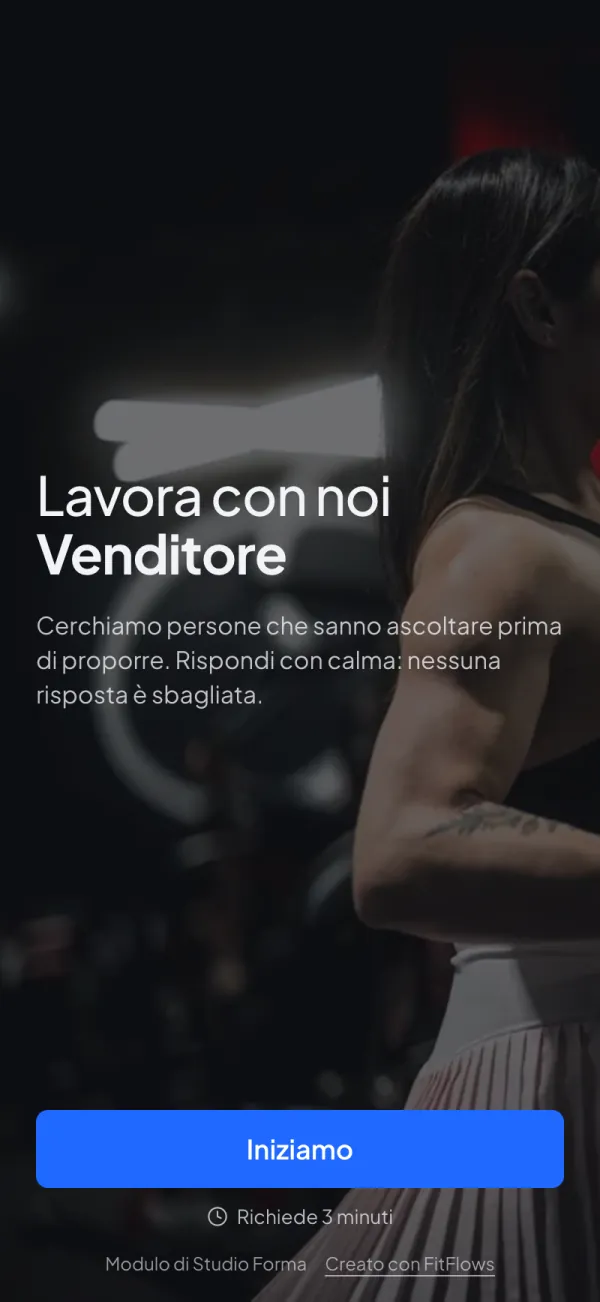
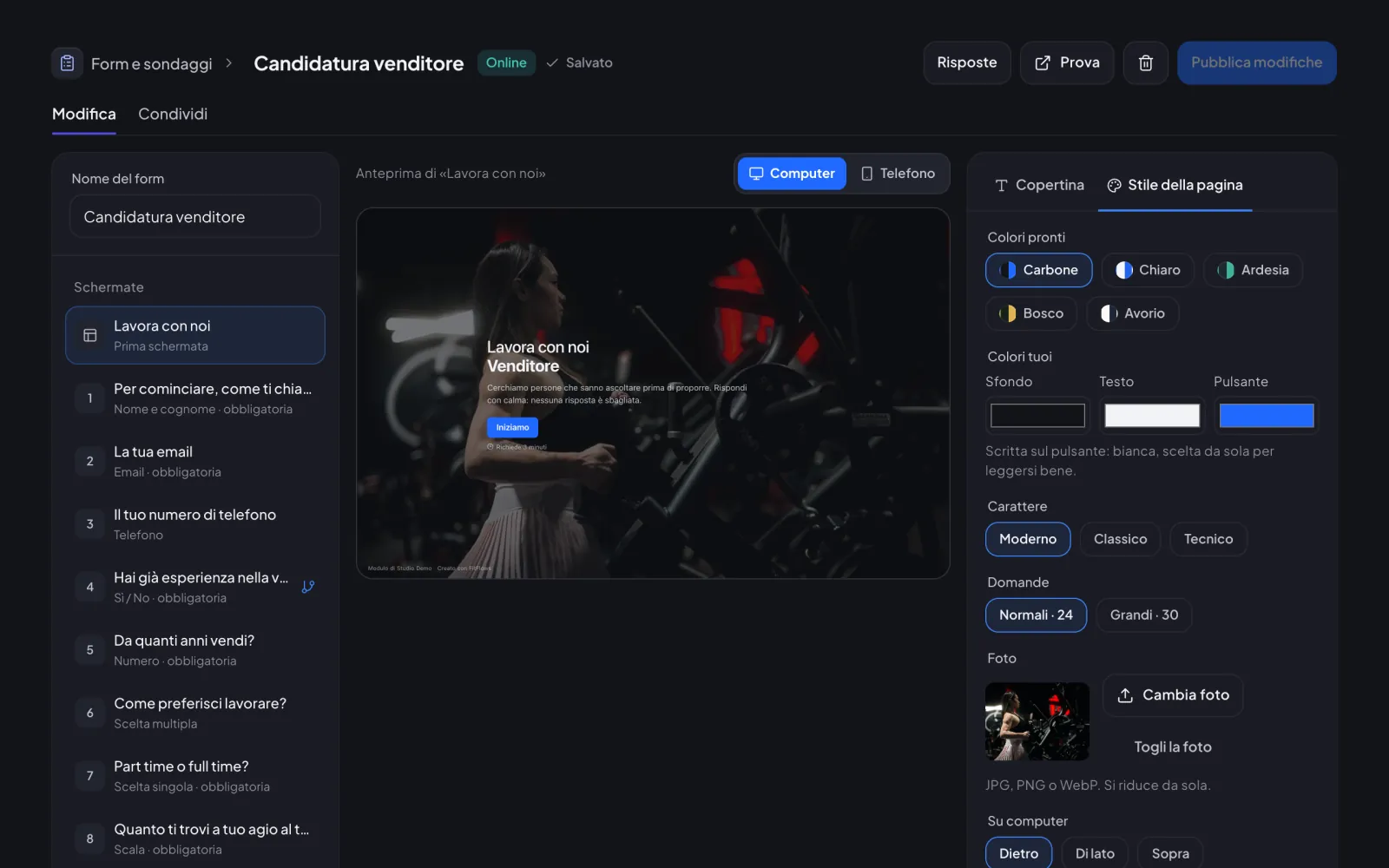
In «Forms & surveys» you create a form with its own link, for applications, requests or sign-ups. People answer one question at a time, with no account; you read the answers in order.

For the coach

  • One question per screen, with a computer and phone preview while you write
  • Page style your way: ready-made or custom colours, three fonts, a photo behind, beside or above
  • Share with a link or a QR code, and set a maximum number of answers or a closing date if you want
  • Answers as a summary, one by one or in a file to open in Excel
  • You get an in-app alert for every answer; you can turn it off in notifications

For clients

  • They open the link and answer straight away: the page doesn’t ask them to sign in or download anything
  • One question at a time, with «Ok» always at the bottom on the phone
  • On a computer they can answer with the keyboard too: Enter to go on, letters for the choices
  • If they close the page halfway, on the same phone they pick up where they left off
ManagementCoachTeam

Your AI assistant knows your clients

Your AI assistant knows your clients
New

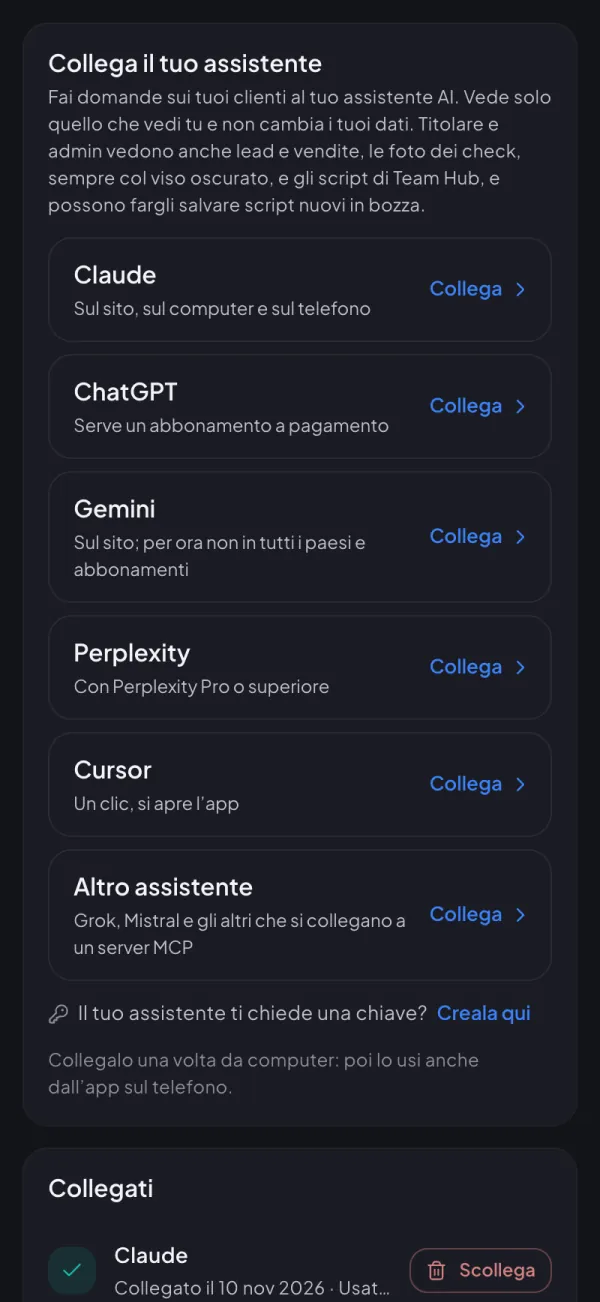
Connect Claude, ChatGPT or another assistant and ask who hasn’t trained in a week or how the last check-in went: it answers with your data.

For the coach

  • Claude, ChatGPT, Gemini, Perplexity, Cursor and other compatible assistants
  • Clients, workouts, check-ins, plans, sessions, payments and surveys
  • It sees only what you see and doesn’t change your data
  • Owner and admins can ask it about leads, calls and closed deals, also by source and by salesperson
  • Owner and admins can have it read Team Hub scripts and write new ones, saved as drafts
  • Owner and admins can ask who got the best results (kg, waist cm, body fat) and for the before/after like in the app, ready to download
  • Check-in photos only for owner and admins, always with the face hidden; disconnect it whenever you like
ManagementCoachClientsTeam

Sessions: clients book your free slots

Sessions: clients book your free slots
New

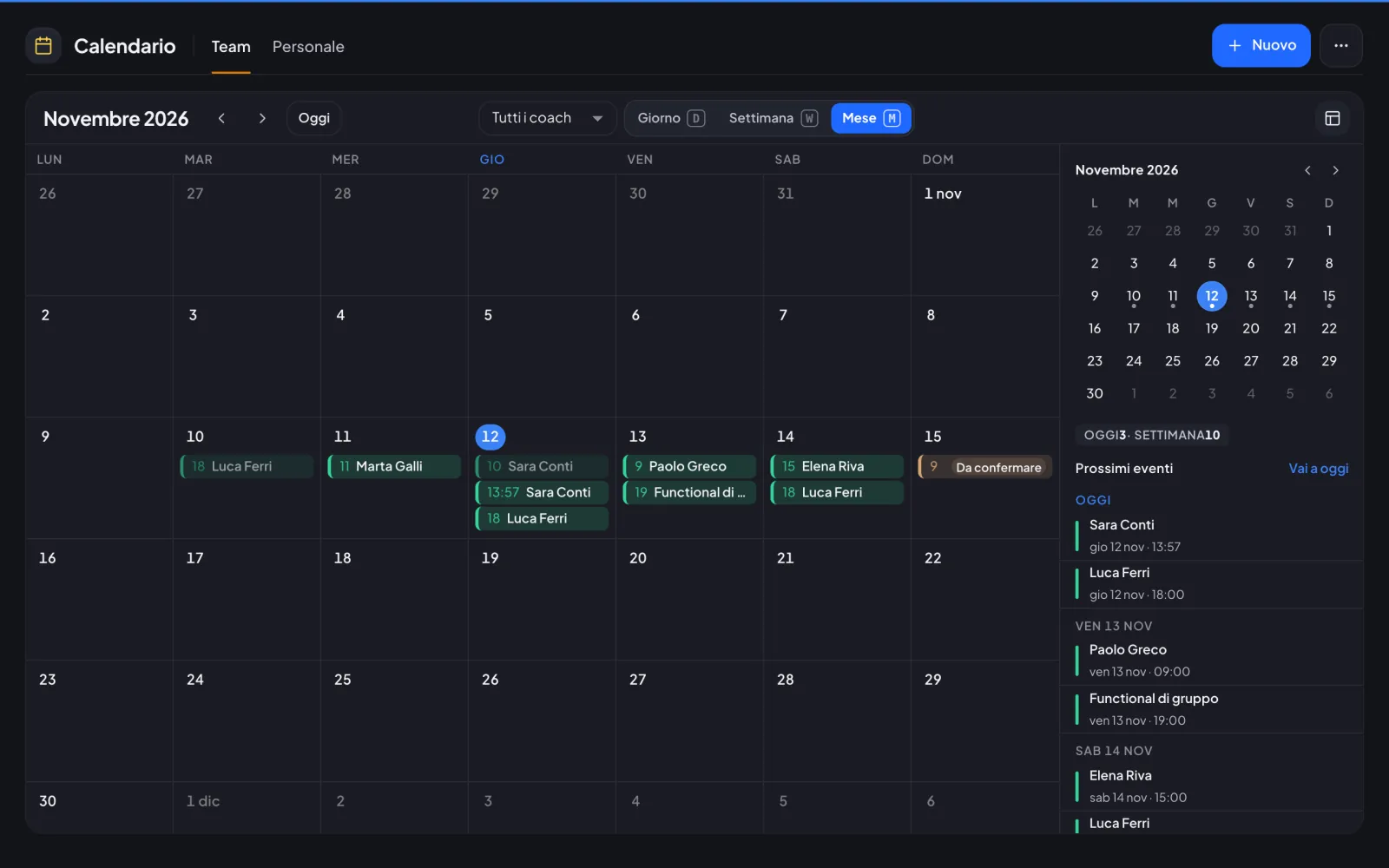
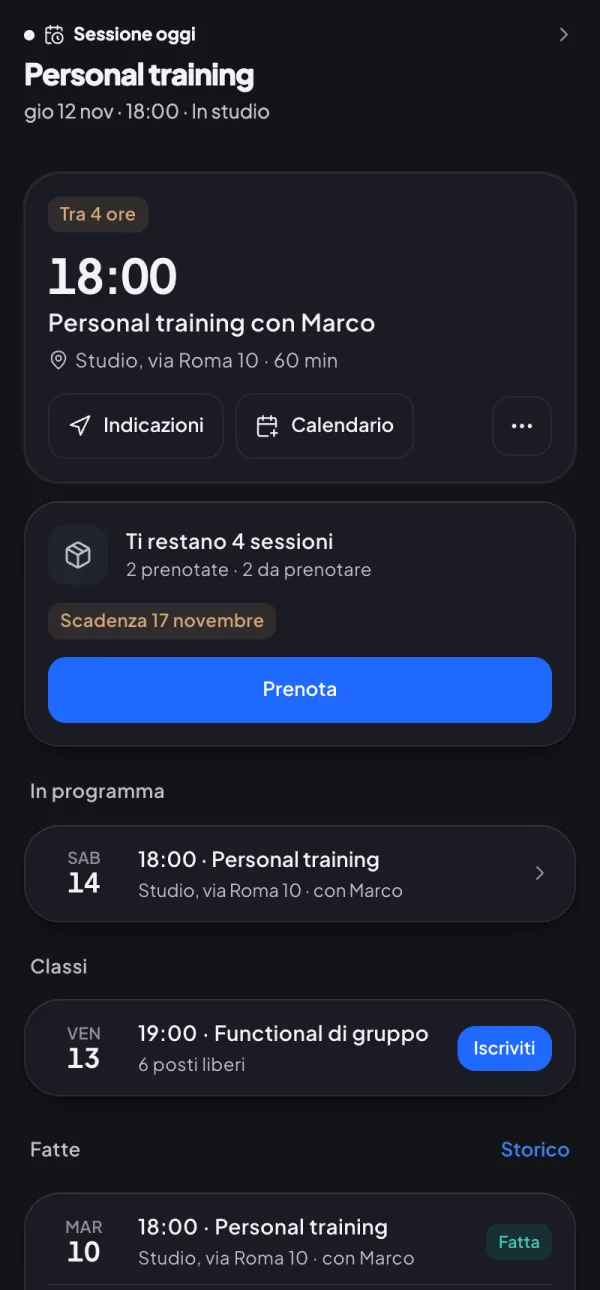
Sessions and packages in the Calendar, clients pick the time and everyone sees it in their own time zone.

For the coach

  • A single «+» in the Calendar to create a session
  • Session packages with a balance that updates
  • Hours and rules in Settings › Sessions
  • Online sessions with FitFlows video calls

For clients

  • Book by choosing among free slots
  • Cancel or move up to 24 hours before
  • Reminder before the session
ManagementCoachTeam

Client plans: renew, change or correct

Client plans: renew, change or correct
New

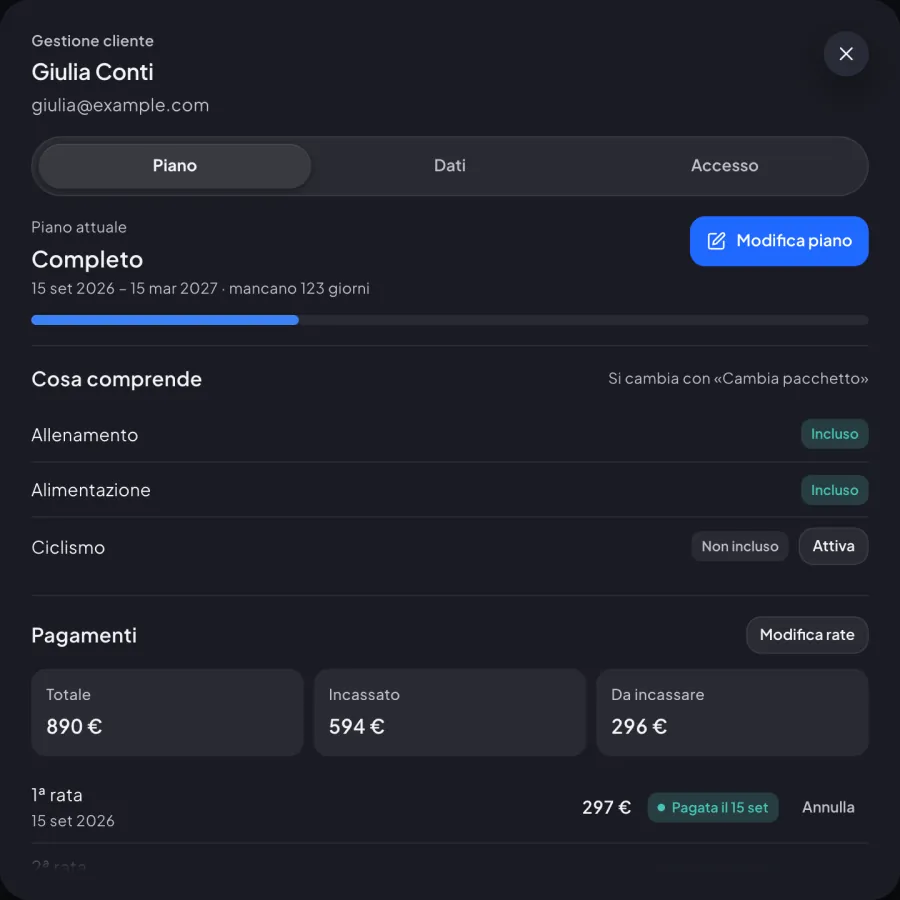
A single «Edit plan» asks what changed and guides you through renewal, package change or correction.

For the coach

  • New client in 3 steps with the chosen package
  • «Correct» price, start and end, keeping the previous version
  • «When does it start?» for renewals and new packages
  • What is left to pay, in one go or in instalments
ManagementCoachClientsTeam

Coach–client contract signed in the app

Coach–client contract signed in the app
New

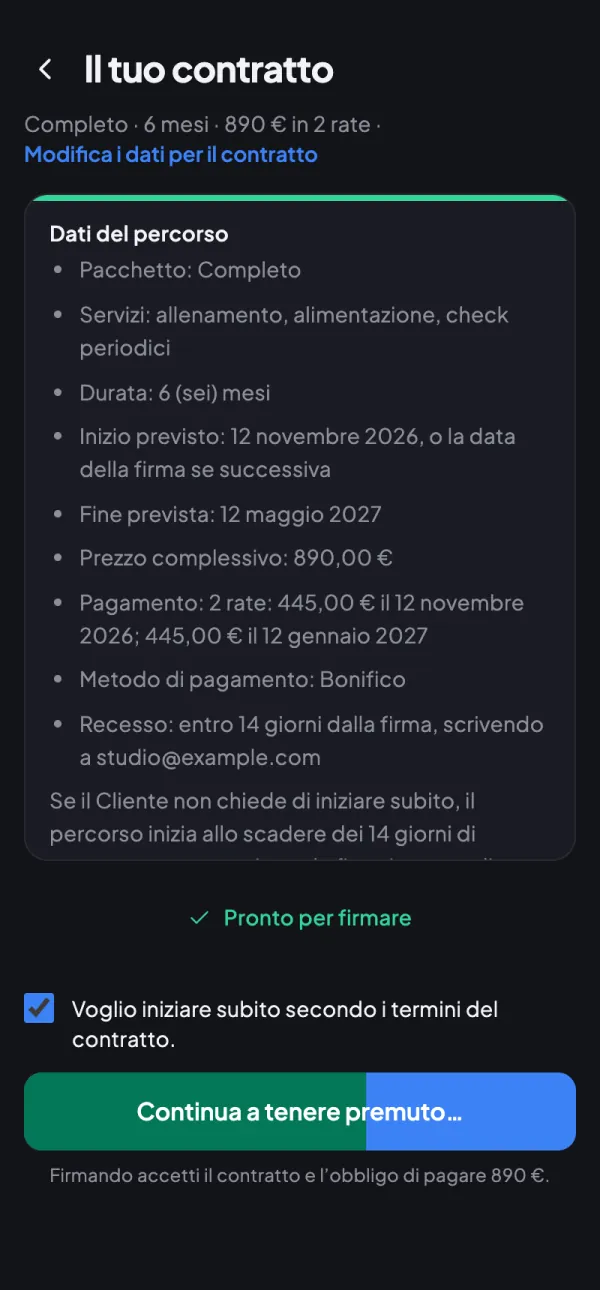
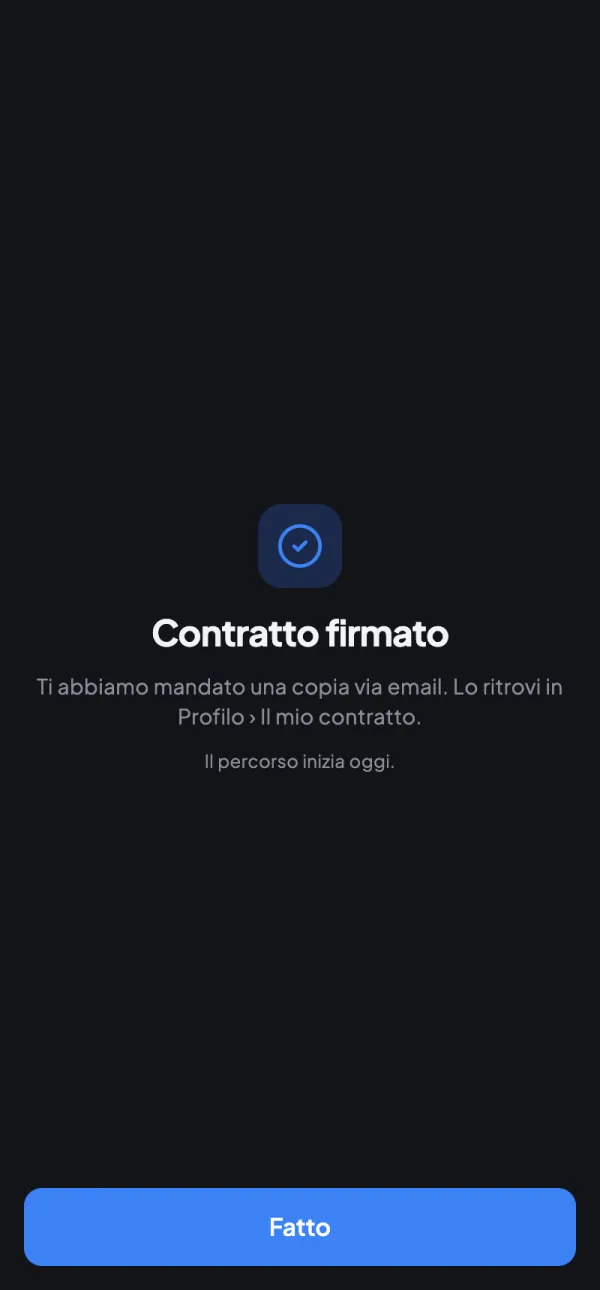
Clients read the contract, enter their details and sign by holding down; the coach follows everything from one page.

For the coach

  • Contracts page with each client’s status
  • Template in Italian, English and Spanish
  • Signed PDF always available
  • Assistants can manage contracts if you allow it

For clients

  • Contract details with tax code check
  • Sign by holding down, with growing vibration
  • «My contract» page to reread any time
ManagementCoachTeam

New settings, with search and autosave

New settings, with search and autosave
New

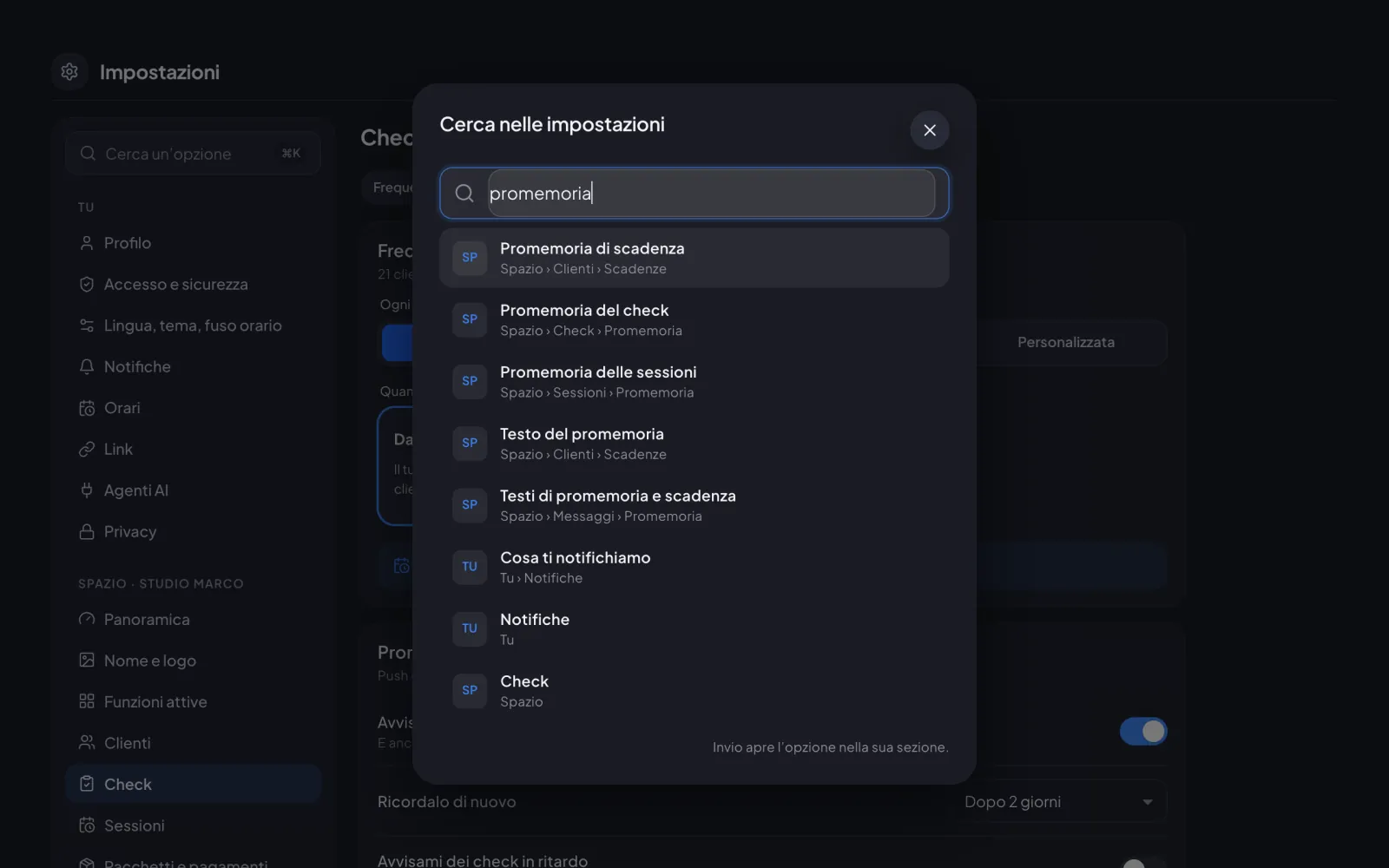
Settings split into You and Space, with option search and every change saved automatically.

For the coach

  • Search for an option and jump straight to it
  • History of who changed what
  • Role permissions on a single page
  • Default values for new clients
Try it with today’s updates.30 minutes in the real app, just your email.
Try it now