Calls are booked from the form, in your team’s free times
 FitFlows
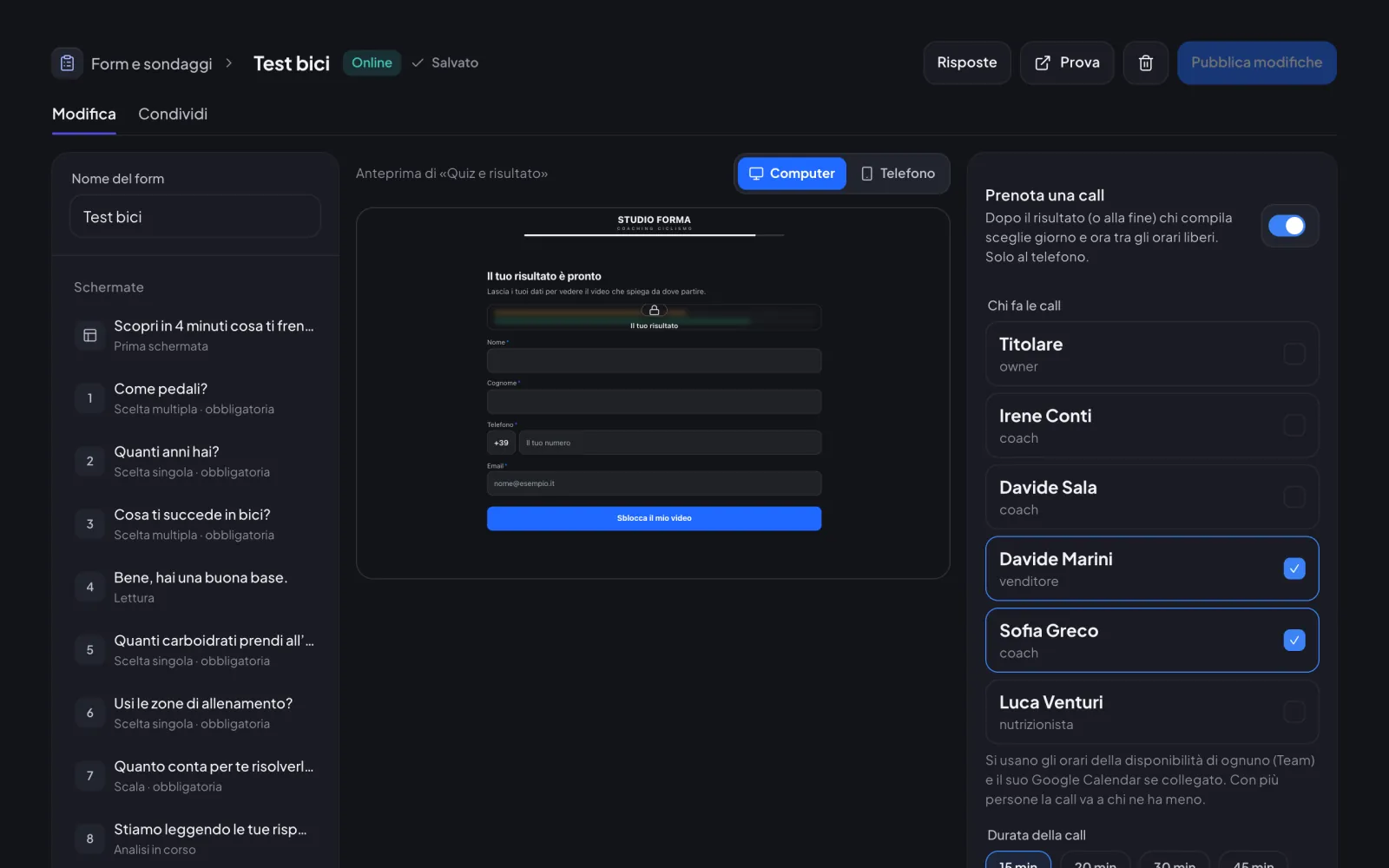
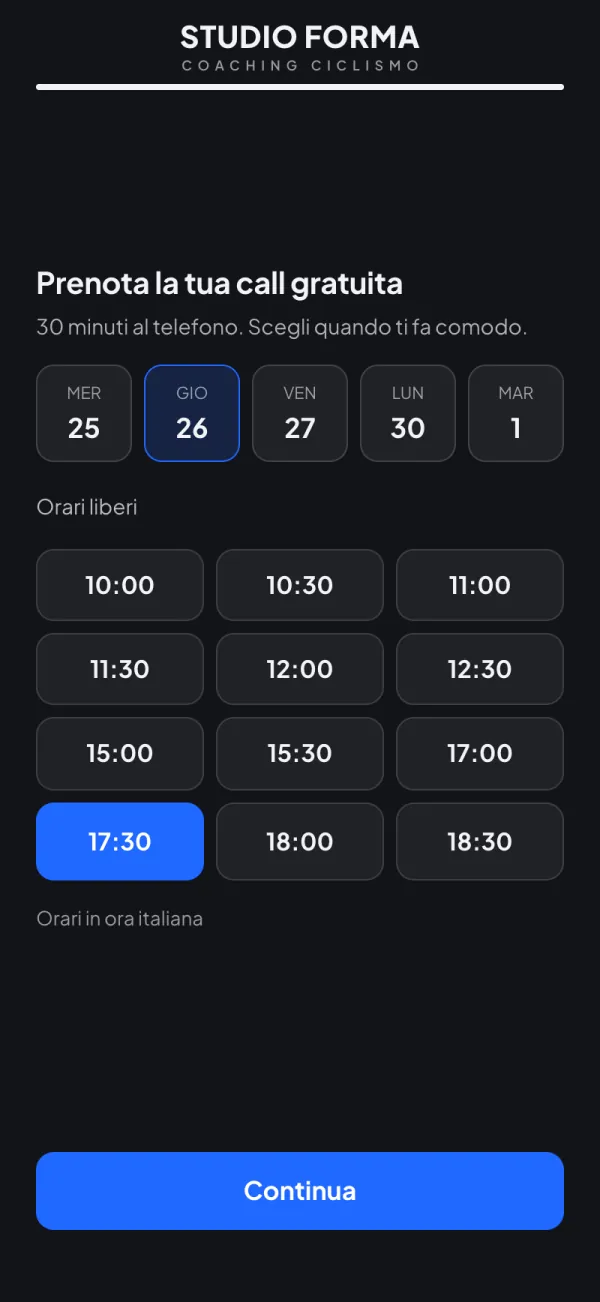
After the quiz or at the end of the form, people pick a day and time for the call among the free times of the people you choose. It goes into the Calendar and the lead updates.
For the coach
- In «Quiz and result» turn on «Book a call» and choose who takes the calls: with several people the call goes to whoever has fewer
- Free times come from each person’s availability in Team and from their Google Calendar, if connected: no double bookings
- You set the length, how far ahead people can book, the minimum notice and whether the button unlocks right away, halfway or at the end of the video
- Every booked call shows up in the Calendar, updates the lead with day and time and alerts whoever takes it
For clients
- They tap «Book the call», pick the day and time they prefer and confirm
- If they already left their name, phone and email, they don’t type them again
- At the end they see «Call booked» with your message and can add it to their own calendar